Train to a plan written for you.
Tell FitroLab your goal, your equipment and how many days you can train. It writes the whole program, with sets, reps and rest for every exercise.
Sign up and get CA$4.00 free. No subscription.
Lower body
Week 3, day B
- Barbell Romanian Deadlift 4 × 6–10 Rest 150s
- Barbell Hip Thrust 4 × 6–10 Rest 150s
- Dumbbell Goblet Squat 4 × 6–10 Rest 150s
- Calf Raise 3 × 10–15 Rest 90s
It listens before it writes.
A short setup and a few training questions cover your goal, schedule, equipment and injuries. Here is one person’s answers and what their program did with them.
What they told it
- Goal
- Build muscle
- Training days
- Four a week
- Session length
- 50 minutes
- Equipment
- A full gym
- Injuries
- Sore left elbow
- Exercises you dislike
- Burpees
What the program does
- An upper/lower split across four days, so each muscle is trained twice a week.
- Five or six exercises per session, sized to finish inside 50 minutes.
- Arm work kept to one easy isolation exercise a day while the elbow settles.
- No burpees anywhere in the program.
- Sets, reps and rest for every exercise, matched to building muscle.
Every exercise, on video.
Over 400 exercises, each with a looping demonstration. Don’t like one? Swap in an alternative that trains the same muscles with the equipment you have.
Targets for each meal, not just the day.
Your meal plan splits calories and protein across your meals. Pick foods you actually like and FitroLab sizes each portion to what that meal still needs.
-
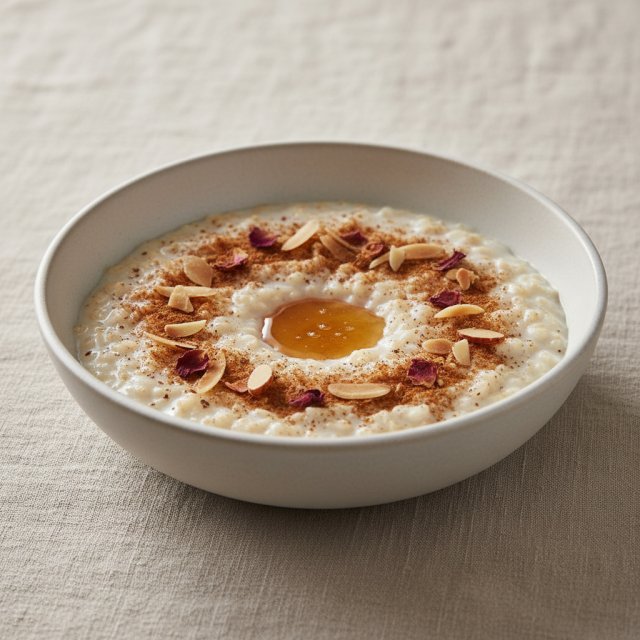
Breakfast
520 kcal, 35 g protein
-
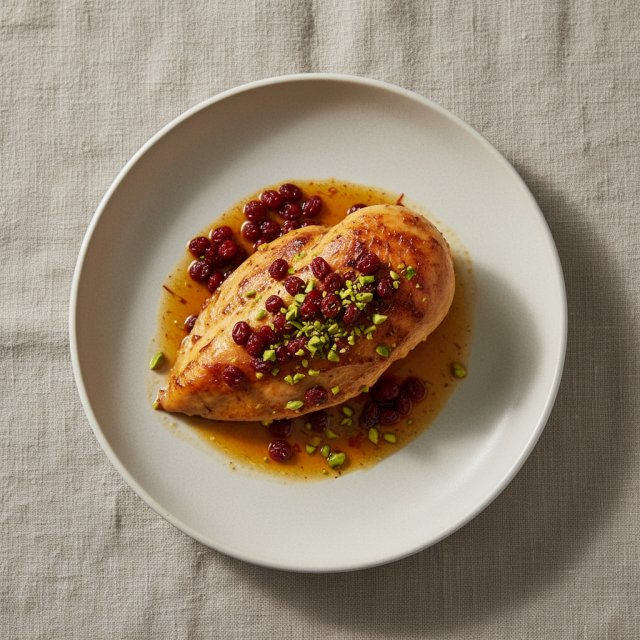
Lunch
740 kcal, 48 g protein
-
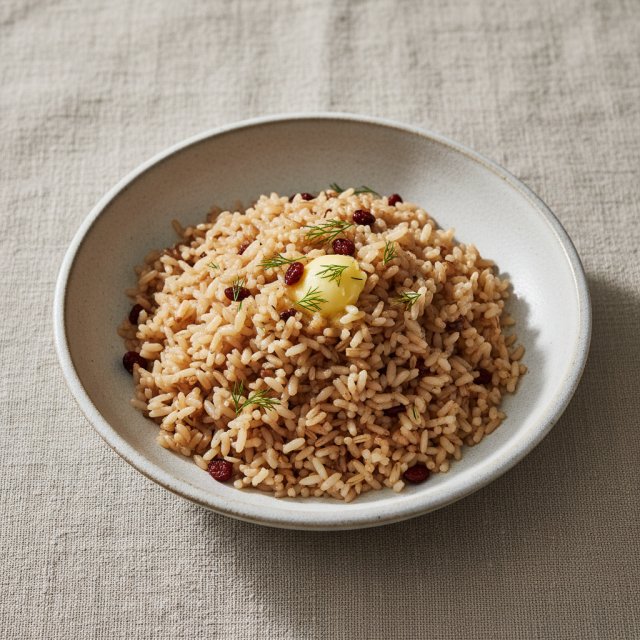
Dinner
690 kcal, 45 g protein
-
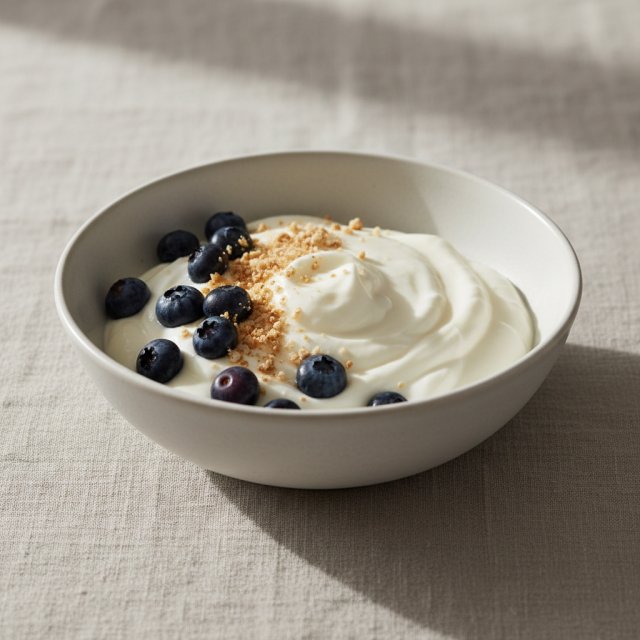
Snack
250 kcal, 22 g protein
My hamstrings are still sore from Monday. Should I train today?
Yes. Today is your upper body day, so your hamstrings get the rest. Mild soreness is normal; warm up well and it should ease by Thursday’s lower body session.
A coach in your pocket, not a chatbot.
Ask about today’s session, an exercise you want to swap, or how to hit your protein — your coach answers from your own plan and profile.
Keep it on your home screen.
FitroLab installs straight from your browser, no app store needed. It opens full screen like any other app, so today’s session is one tap away.
FitroLab is installed on this device.
- Open this page in Safari.
- Tap the Share button at the bottom of the screen.
- Scroll down and tap “Add to Home Screen”, then “Add”.
- Open this page in Chrome.
- Tap the menu (three dots) in the top right corner.
- Tap “Install app” or “Add to Home screen”, then confirm.
- Open this page in Chrome or Edge.
- Click the install icon at the right end of the address bar.
- Click “Install”. FitroLab opens in its own window.
Pay for what you use.
No subscription. Logging meals and the exercise library are free. You pay only when the AI writes something for you.
New accounts start with CA$4.00 in their wallet, enough to have your first program written.
Prices are in Canadian dollars (CAD).
- A complete workout program
- CA$1.99
- A meal plan with targets for every meal
- CA$1.99
- One message to the AI Coach
- CA$0.10
- Progress photo analysis
- Free
- Logging meals
- Free
Questions
Do I need a subscription?
No. You add money to your wallet and pay only when the AI writes something for you. Nothing renews automatically.
Do I need gym equipment?
No — when you create your gym plan you tell us what you have access to, from bodyweight only to a full commercial gym, and your plan is built around it.
Can I change my plan later?
Yes. Update your goal, schedule, session length or injuries and rebuild your plan whenever you like.
Is the AI Coach a real person?
No — it’s an always-available coaching engine that answers from your own plan and profile, not a live human trainer.
What languages does FitroLab support?
FitroLab is available in English and French, with more languages planned.
Your first session can start today.
Sign up and get CA$4.00 free. No subscription.
Build my plan